
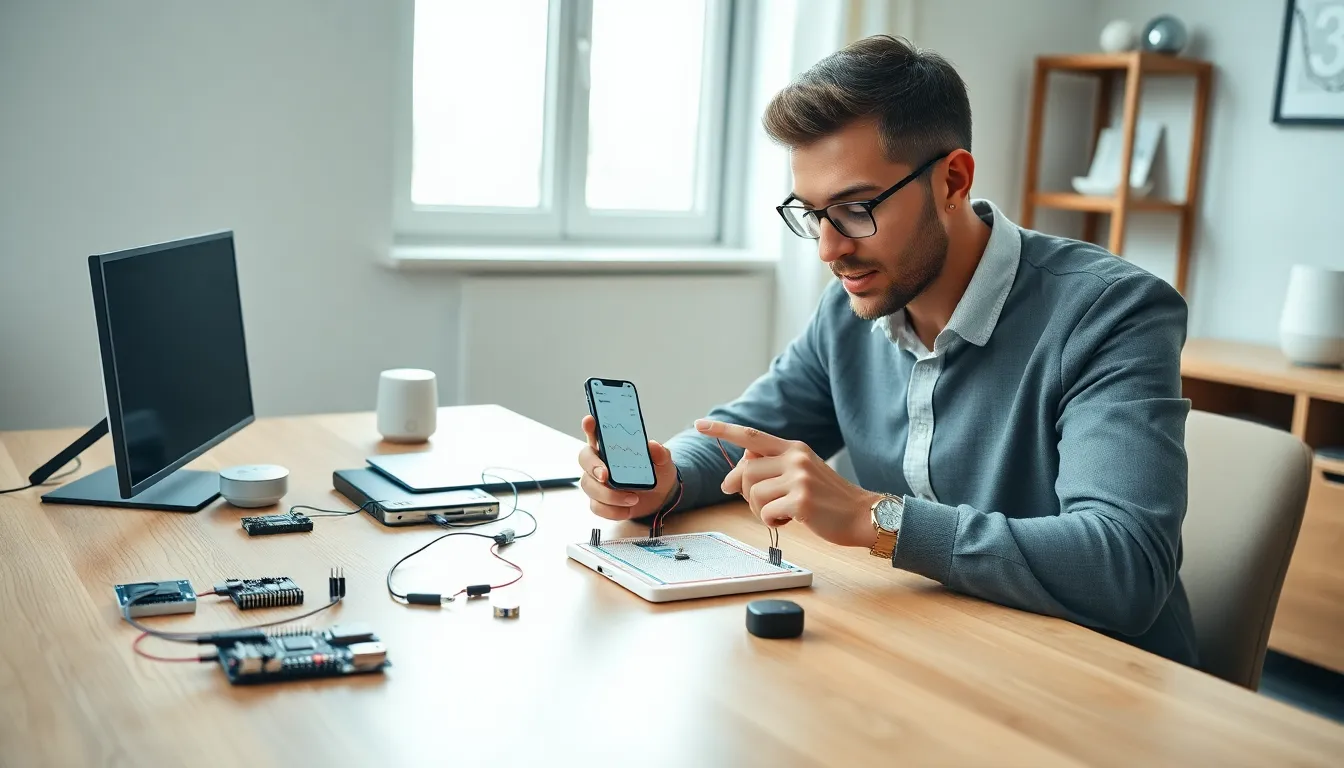
Learning how to Internet of Things doesn’t require an engineering degree or years of coding experience. The Internet of Things (IoT) connects everyday devices to the internet, letting them share data and respond to commands. Smart thermostats, fitness trackers, and voice assistants are all IoT devices people use daily without thinking twice.
This guide breaks down IoT basics, essential components, and practical steps to launch a first project. Whether someone wants to automate their home or build a custom sensor network, understanding how to Internet of Things opens doors to countless possibilities.
Table of Contents
ToggleKey Takeaways
- Learning how to Internet of Things is accessible to beginners—no engineering degree or advanced coding experience required.
- IoT works through three core elements: sensors collect data, connectivity transmits it, and processors analyze and trigger actions.
- Affordable microcontrollers like Arduino, ESP32, and Raspberry Pi make starting your first IoT project budget-friendly (under $35).
- A basic IoT setup—such as an ESP32 with a temperature sensor—can be completed in about an hour using free tools like Arduino IDE.
- Popular beginner projects include smart home automation, environmental monitoring, and security sensors that solve real-world problems.
- Free platforms like ThingSpeak, Blynk, and Adafruit IO let you visualize IoT data without setting up your own server.
What Is the Internet of Things?
The Internet of Things refers to physical objects embedded with sensors, software, and connectivity that exchange data over networks. These devices range from simple temperature sensors to complex industrial machines.
At its core, IoT works through three main elements:
- Sensors collect data from the environment (temperature, motion, light, etc.)
- Connectivity transmits that data via Wi-Fi, Bluetooth, cellular, or other protocols
- Processing happens either locally or in the cloud, where data gets analyzed and triggers actions
A smart thermostat demonstrates this well. It senses room temperature, sends readings to its processor, and adjusts heating or cooling based on user preferences. The device learns patterns over time and makes automatic adjustments.
The IoT market has exploded in recent years. Estimates suggest over 15 billion connected devices exist worldwide as of 2024, with projections reaching 30 billion by 2030. This growth creates opportunities for hobbyists, entrepreneurs, and professionals alike.
Understanding how to Internet of Things starts with grasping this basic framework. Data flows from sensors through networks to processors, then actions flow back to devices. Simple concept, endless applications.
Essential Components for IoT Projects
Building an IoT project requires several key components working together. Here’s what beginners need to gather before starting.
Microcontrollers and Development Boards
Microcontrollers serve as the brain of IoT devices. Popular options include:
- Arduino – Great for beginners with extensive community support and tutorials
- Raspberry Pi – More powerful, runs a full operating system, handles complex tasks
- ESP32/ESP8266 – Budget-friendly boards with built-in Wi-Fi capabilities
Most first-time builders choose Arduino or ESP32 boards. They cost between $5 and $35, making experimentation affordable.
Sensors and Actuators
Sensors detect environmental conditions. Common types include:
- Temperature and humidity sensors (DHT11, DHT22)
- Motion detectors (PIR sensors)
- Light sensors (photoresistors)
- Distance sensors (ultrasonic, infrared)
Actuators create physical responses, motors, LEDs, relays, and speakers turn data into action.
Connectivity Modules
IoT devices need network access. Options depend on project requirements:
- Wi-Fi works best for home projects with stable internet
- Bluetooth suits short-range, low-power applications
- LoRa covers long distances with minimal power consumption
- Cellular (4G/5G) enables mobile IoT deployments
Power Supply
Power options vary based on device location and usage:
- USB power for stationary indoor devices
- Batteries for portable or remote installations
- Solar panels for outdoor long-term deployments
Gathering these components teaches how to Internet of Things at a practical level. Each piece plays a specific role in the larger system.
Setting Up Your First IoT Device
Setting up a first IoT device takes about an hour with the right preparation. This walkthrough uses an ESP32 board with a temperature sensor, an ideal starter project.
Step 1: Install Development Software
Download the Arduino IDE from arduino.cc. This free software writes and uploads code to microcontrollers. Add ESP32 board support through the Board Manager menu.
Step 2: Connect Hardware
Wire the DHT11 temperature sensor to the ESP32:
- Connect VCC pin to 3.3V
- Connect GND pin to ground
- Connect DATA pin to GPIO4
A breadboard makes these connections simple without soldering.
Step 3: Write the Code
The code reads temperature data and sends it over Wi-Fi. Libraries handle most heavy lifting, the DHT library reads sensor values, and the WiFi library manages network connections.
Basic code structure:
- Include required libraries
- Define Wi-Fi credentials
- Initialize sensor and connection
- Read data in a loop
- Send readings to a server or display
Step 4: Connect to a Platform
Free IoT platforms like ThingSpeak, Blynk, or Adafruit IO receive and display data. These services provide dashboards, graphs, and alerts without requiring server setup.
Step 5: Test and Troubleshoot
Upload the code, open the serial monitor, and watch for connection messages. Common issues include incorrect Wi-Fi passwords, wrong pin assignments, or power problems.
This hands-on process demonstrates how to Internet of Things from start to finish. Once the first project works, expanding becomes straightforward, add more sensors, create automation rules, or connect multiple devices.
Common IoT Applications for Beginners
Beginner-friendly IoT projects provide practical value while teaching core concepts. These applications work well as second or third projects after mastering basics.
Smart Home Automation
Home automation remains the most popular IoT application. Practical projects include:
- Smart lighting – Control lights via phone apps or voice commands
- Automated plant watering – Soil moisture sensors trigger pumps when plants need water
- Garage door monitors – Get alerts when doors open or stay open too long
- Energy monitoring – Track electricity usage by appliance
These projects teach how to Internet of Things while solving real household problems.
Environmental Monitoring
Sensor networks collect valuable environmental data:
- Indoor air quality monitors track CO2, particulates, and VOCs
- Weather stations record temperature, humidity, pressure, and rainfall
- Noise level monitors log sound pollution over time
Data visualization adds another skill layer. Graphs showing temperature trends or air quality patterns make projects more meaningful.
Security and Safety
IoT security devices protect property and people:
- Motion-activated cameras send phone alerts
- Door and window sensors detect unexpected openings
- Water leak detectors prevent flood damage
- Smoke and gas sensors provide early warnings
Wearables and Health
Simple wearable projects include:
- Step counters using accelerometers
- Heart rate monitors with pulse sensors
- Posture reminders for desk workers
Each application reinforces how to Internet of Things concepts apply to different contexts. Starting with familiar use cases builds confidence for more advanced work.