
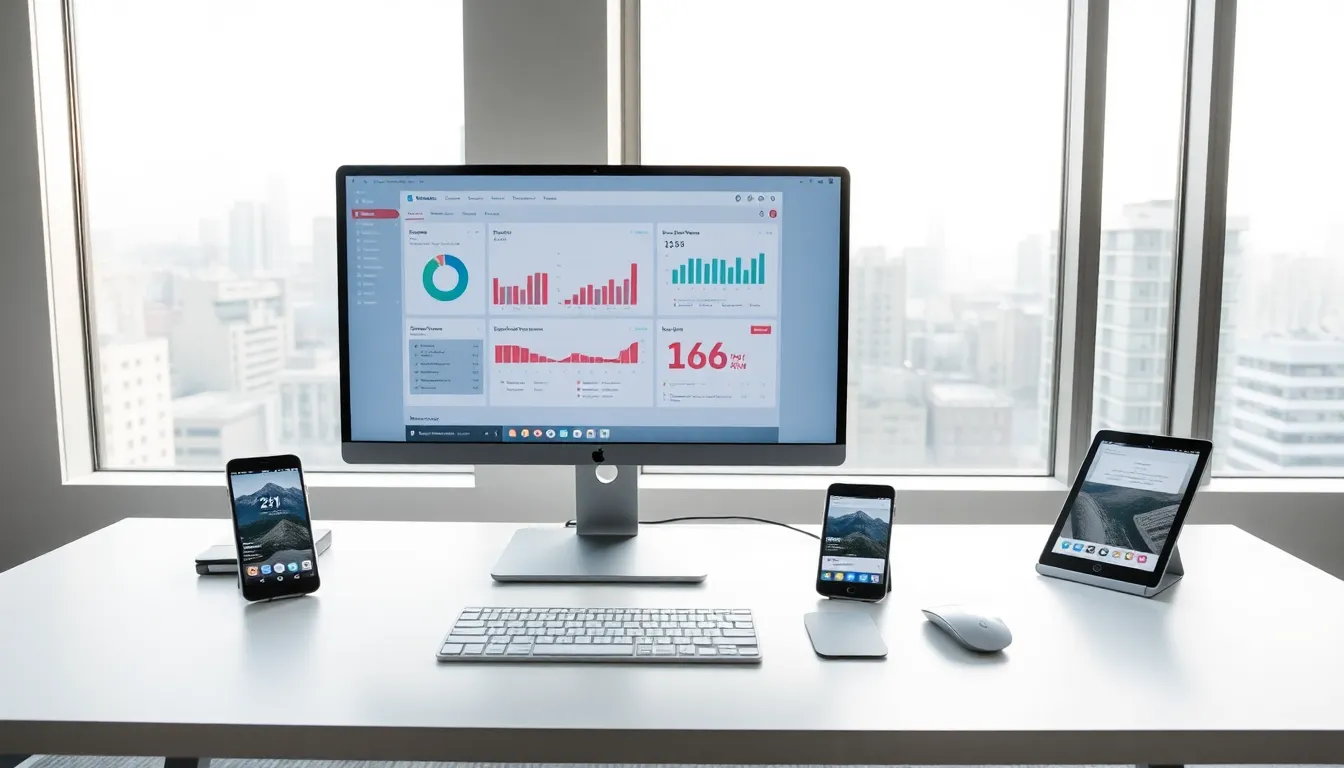
The mobile vs desktop debate shapes how millions of people work, play, and stay connected every day. Each platform offers distinct advantages, and choosing the right one depends on individual needs and habits. Mobile devices provide freedom and flexibility. Desktop computers deliver raw power and screen space. This guide breaks down the key differences between mobile and desktop platforms, highlights when each option makes sense, and helps readers make an well-informed choice based on their specific requirements.
Table of Contents
ToggleKey Takeaways
- Mobile devices offer superior portability and convenience, making them ideal for communication, light productivity, and on-the-go tasks.
- Desktop computers deliver significantly more processing power, storage capacity, and cooling efficiency for demanding tasks like video editing, gaming, and software development.
- The mobile vs desktop decision depends on your primary use case—casual users may thrive with mobile, while power users benefit from desktop hardware.
- Budget-conscious users can handle most daily tasks with a $400–$1,000 smartphone, while desktop setups often require a larger investment but offer longer lifespan and upgradeability.
- A hybrid approach using both mobile and desktop devices, supported by cloud syncing, provides maximum flexibility without sacrificing performance when needed.
Key Differences Between Mobile and Desktop Devices
Understanding the core distinctions between mobile and desktop platforms sets the foundation for smart decision-making. These two categories serve different purposes, and their hardware reflects that reality.
Portability and Convenience
Mobile devices win the portability contest by a wide margin. Smartphones fit in a pocket. Tablets slip into a bag. Users can check emails on a train, join video calls from a coffee shop, or browse social media while waiting in line.
Desktop computers stay put. They require dedicated space, a power outlet, and often a wired internet connection. Moving a desktop setup takes significant effort and planning.
Mobile vs desktop convenience also extends to setup time. A smartphone powers on in seconds. A desktop computer may take a minute or more to boot, launch applications, and become fully operational.
For users who travel frequently or work from multiple locations, mobile devices offer clear advantages. Remote workers, sales professionals, and students often rely heavily on mobile technology for this reason.
Performance and Processing Power
Desktop computers dominate in raw performance. They house larger processors, more RAM, and dedicated graphics cards. This hardware handles demanding tasks like video editing, 3D rendering, and complex data analysis with ease.
Mobile processors have improved dramatically over the past decade. Modern smartphones can edit photos, stream 4K video, and run sophisticated applications. But, they still lag behind desktop machines in sustained performance.
Heat management creates part of this gap. Desktop computers have space for cooling fans and heat sinks. Mobile devices must manage heat in compact enclosures, which limits how hard processors can work for extended periods.
Storage capacity also differs significantly. A typical smartphone offers 128GB to 512GB of storage. Desktop computers commonly include 1TB to 4TB drives, with easy expansion options.
The mobile vs desktop performance gap matters most for power users. Casual users may never notice the difference during everyday tasks.
When to Choose Mobile Over Desktop
Mobile devices excel in specific scenarios. Recognizing these situations helps users allocate their technology budget wisely.
Communication ranks as a top mobile strength. Smartphones handle calls, texts, and messaging apps seamlessly. Push notifications keep users informed in real time. Social media platforms designed for mobile offer optimized experiences.
Light productivity works well on mobile. Checking emails, reviewing documents, and attending video meetings happen easily on tablets and phones. Many professionals complete 80% of their daily tasks on mobile devices.
Content consumption favors mobile in many cases. Streaming services, podcasts, and ebook readers provide excellent mobile experiences. Users can consume content during commutes, workouts, or downtime.
Mobile vs desktop choices often favor mobile for:
- Location-based services and GPS navigation
- Photography and quick video capture
- Health and fitness tracking
- Mobile banking and payments
- Quick reference and note-taking
Budget-conscious users may find mobile devices more cost-effective. A quality smartphone costs $400 to $1,000 and handles most common tasks. A comparable desktop setup often requires a larger investment.
Mobile also suits users with limited space. Apartment dwellers and frequent movers benefit from technology that travels easily.
When Desktop Is the Better Option
Desktop computers remain the right choice for specific use cases. Their advantages become clear when tasks demand serious computing resources.
Professional creative work often requires desktop power. Video editors need fast processors, abundant RAM, and large displays. Graphic designers benefit from color-accurate monitors and precise input devices. Music producers rely on low-latency audio processing.
Software development typically happens on desktop machines. Developers run multiple applications simultaneously: code editors, local servers, browsers, and testing tools. Desktop hardware handles this workload more effectively than mobile alternatives.
Gaming represents another desktop stronghold. High-end games demand powerful graphics cards, fast refresh rates, and low input lag. While mobile gaming has grown substantially, PC gaming delivers superior visual fidelity and performance.
The mobile vs desktop comparison favors desktop for:
- Multi-monitor setups for enhanced productivity
- Extended typing sessions with ergonomic keyboards
- Large spreadsheets and database management
- CAD software and engineering applications
- Long-duration tasks that benefit from cooling systems
Data security can also tip the scale toward desktop. Organizations often carry out stricter security controls on desktop machines. Sensitive data may be safer on a device that never leaves the office.
Upgradeability gives desktop computers longevity. Users can replace graphics cards, add RAM, and swap storage drives. Mobile devices typically cannot be upgraded after purchase.
Factors to Consider Before Deciding
Several practical factors should guide the mobile vs desktop decision. Taking time to evaluate these elements prevents buyer’s remorse.
Primary Use Case: What tasks will consume most of the device’s time? Light browsing and communication favor mobile. Heavy production work points toward desktop.
Budget: Consider both upfront costs and long-term value. Desktop computers often last longer and can be upgraded. Mobile devices may need replacement every 3-4 years.
Physical Space: A desktop requires a desk, chair, and dedicated area. Mobile devices need only a charging spot.
Existing Ecosystem: Apple users may prefer staying within iOS or macOS. Android users might lean toward Windows desktops for better integration with their phones.
Work Requirements: Some employers mandate specific platforms. Certain software runs only on desktop operating systems.
Screen Time Comfort: Extended use of small screens can strain eyes. Users who spend 8+ hours daily on a device may prefer desktop monitors.
Many users find that the mobile vs desktop question doesn’t require an either-or answer. A combination approach works well: a smartphone for on-the-go tasks and a desktop for heavy lifting. This strategy maximizes flexibility while ensuring adequate power when needed.
Cloud services make this hybrid approach practical. Documents sync across devices. Projects started on mobile can continue on desktop without friction.